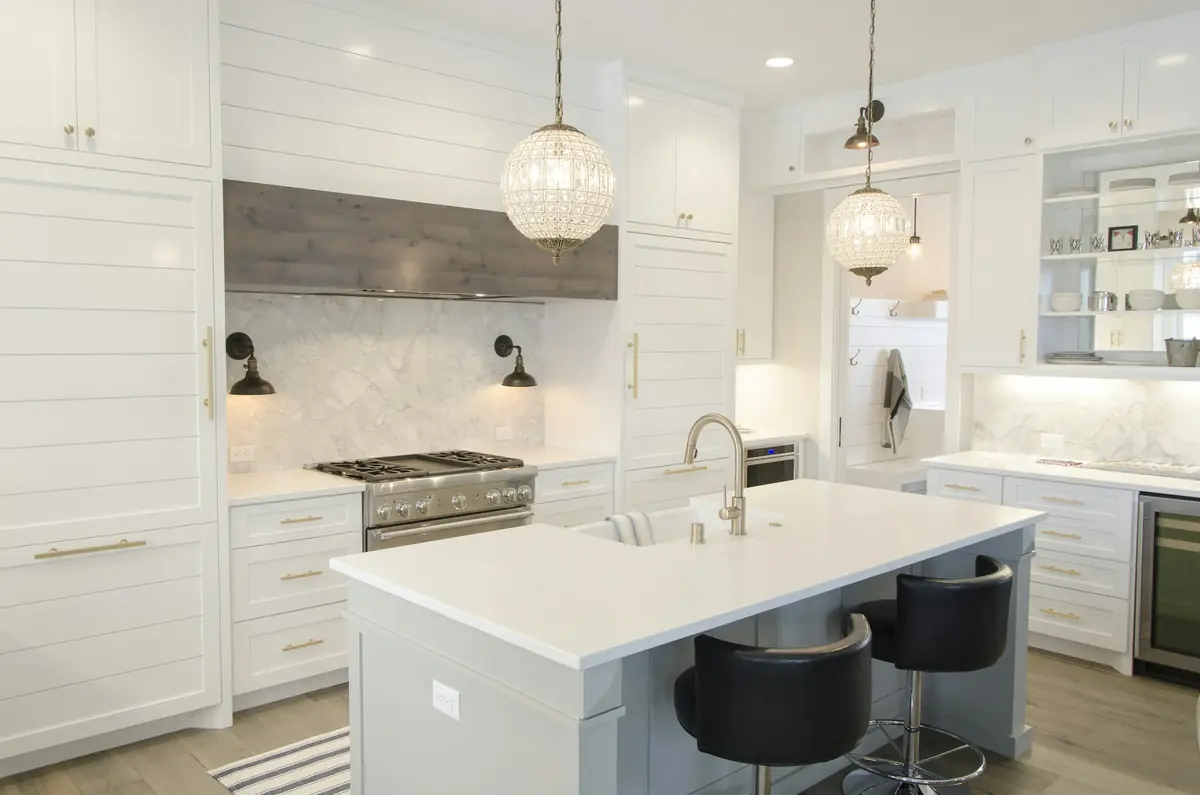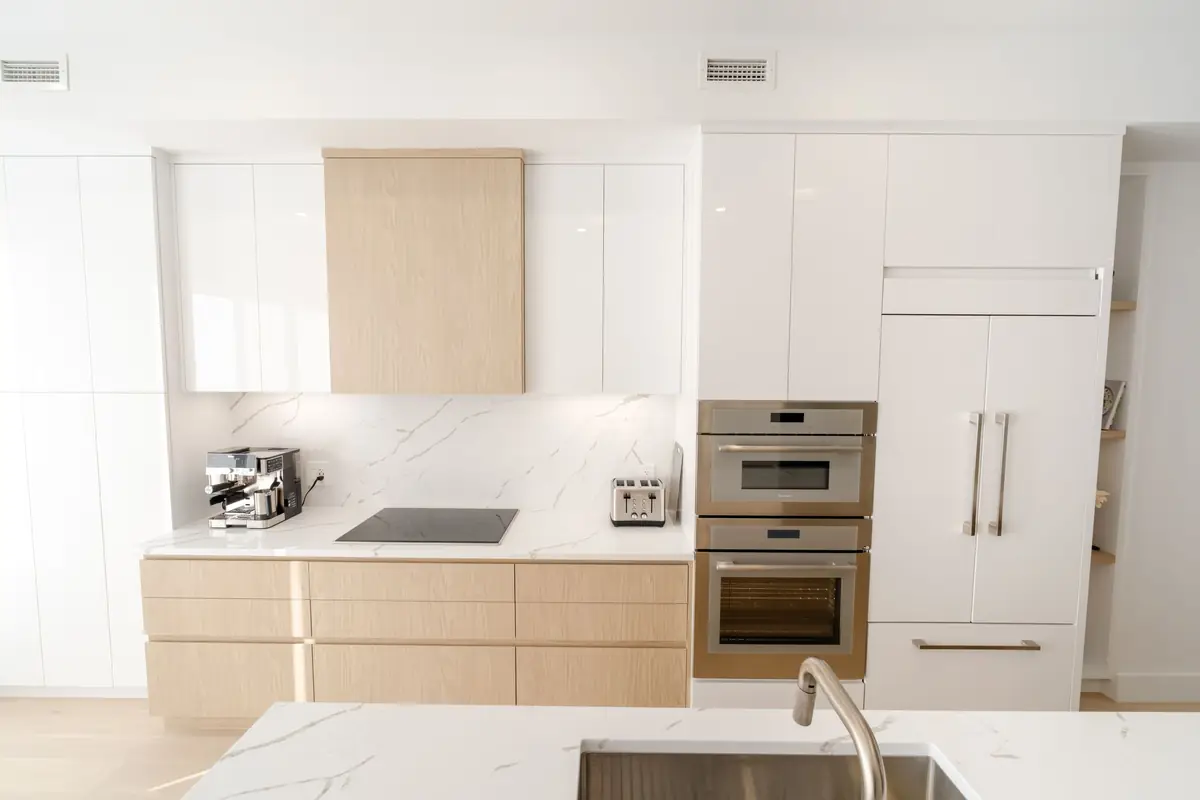
When the microwave drawer will not open, the display goes dark, or dinner comes out cold in the middle, built-in microwave repair in Pinellas County has to account for how the appliance is installed as well as how it works. We repair microwave drawers, speed ovens, over-the-range units and microwaves set into a wall of cabinetry, from Wolf, Thermador, Monogram, Dacor and other brands.
These appliances are woven into the kitchen design. They sit in trim kits, under counters, in islands and above wall ovens, so pulling one out and buying a new one is rarely simple. You get a clear diagnosis, an honest opinion on whether the repair makes sense, and a clear price before the repair starts.
Schedule Service (opens in a new tab)
The Built-In Microwaves and Speed Ovens We Repair
Built-in microwave repair covers four kinds of appliance, and each is installed a little differently:
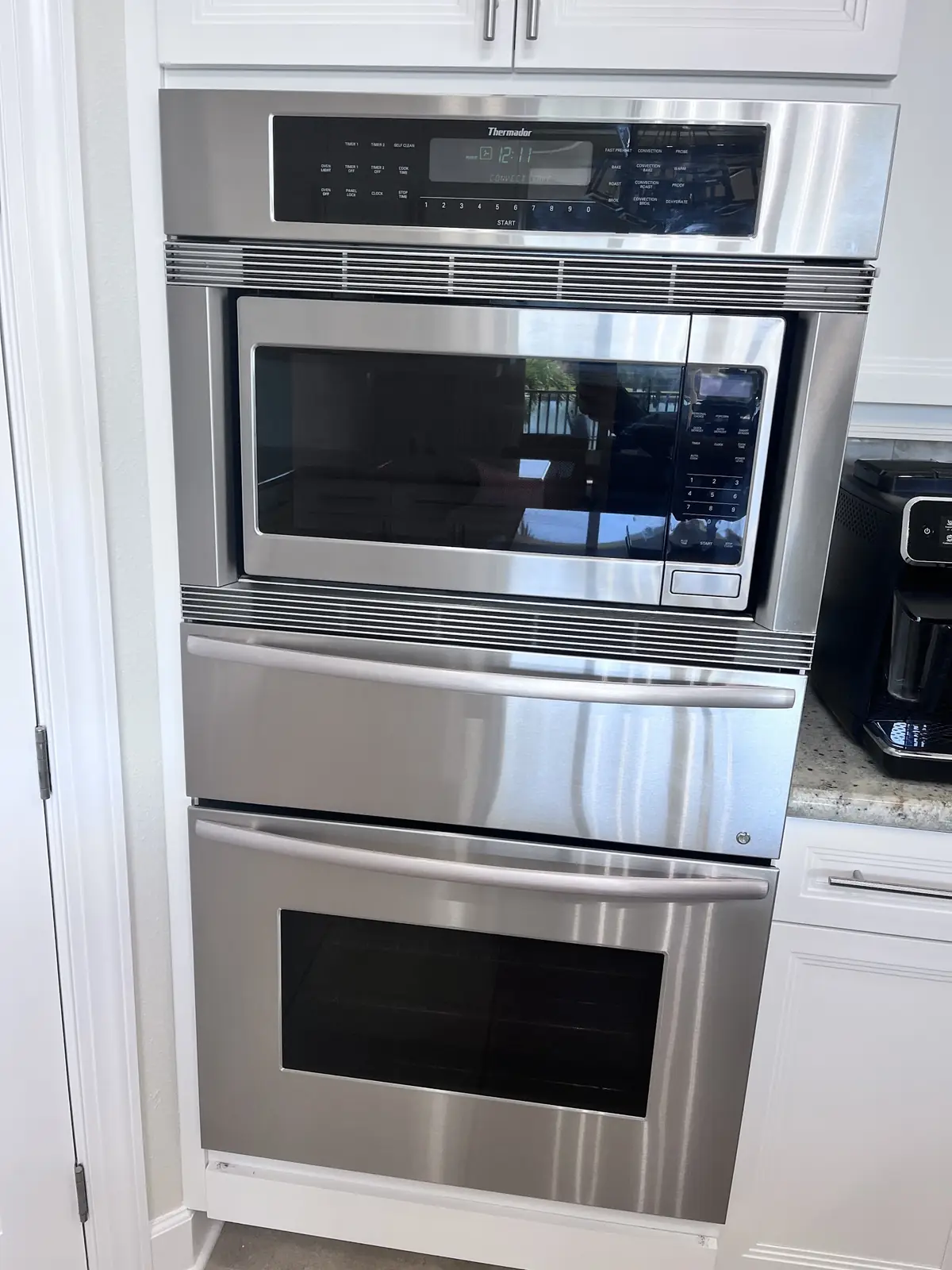
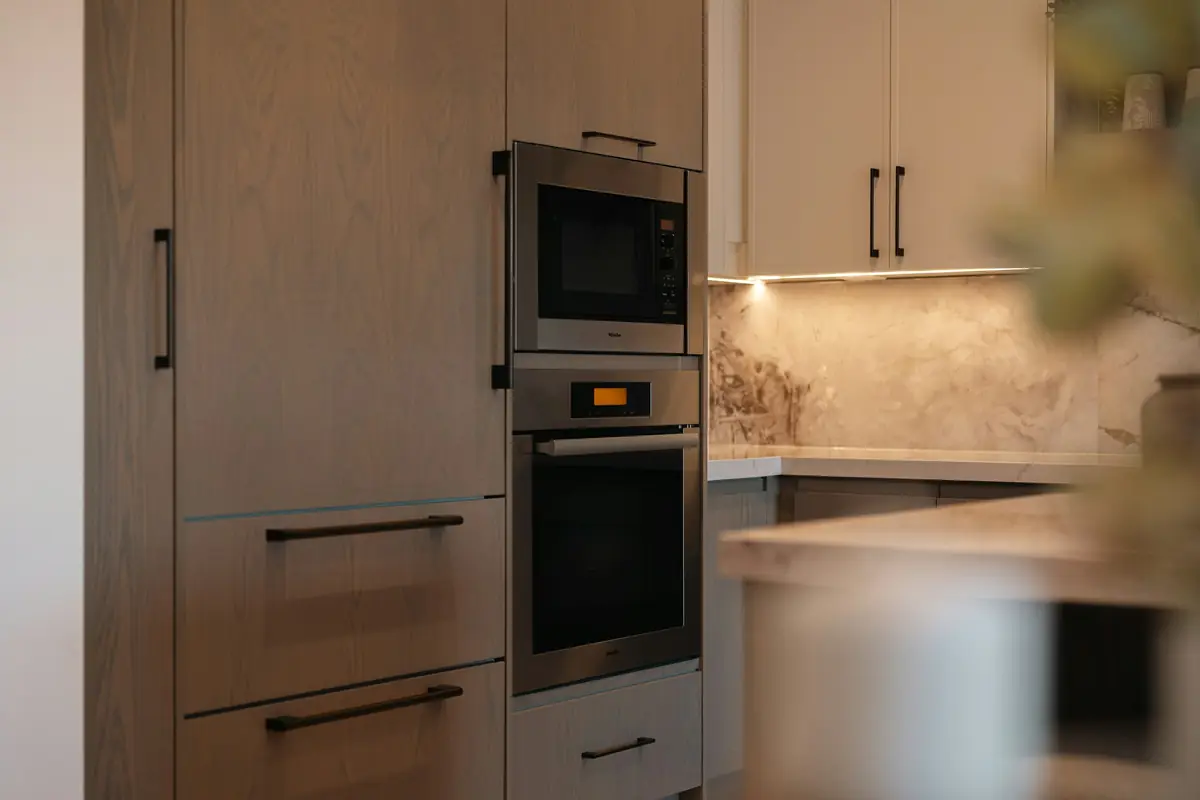
- Built-in microwaves: Set into a wall cabinet or stacked above a wall oven, usually framed by a trim kit so the front sits neatly in the cabinetry. Some are convection models that can bake and roast as well as heat.
- Over-the-range microwaves: Mounted above a cooktop or range, they double as the range hood, with a vent fan, cooktop lights and grease filters. Some also add convection or speed cooking.
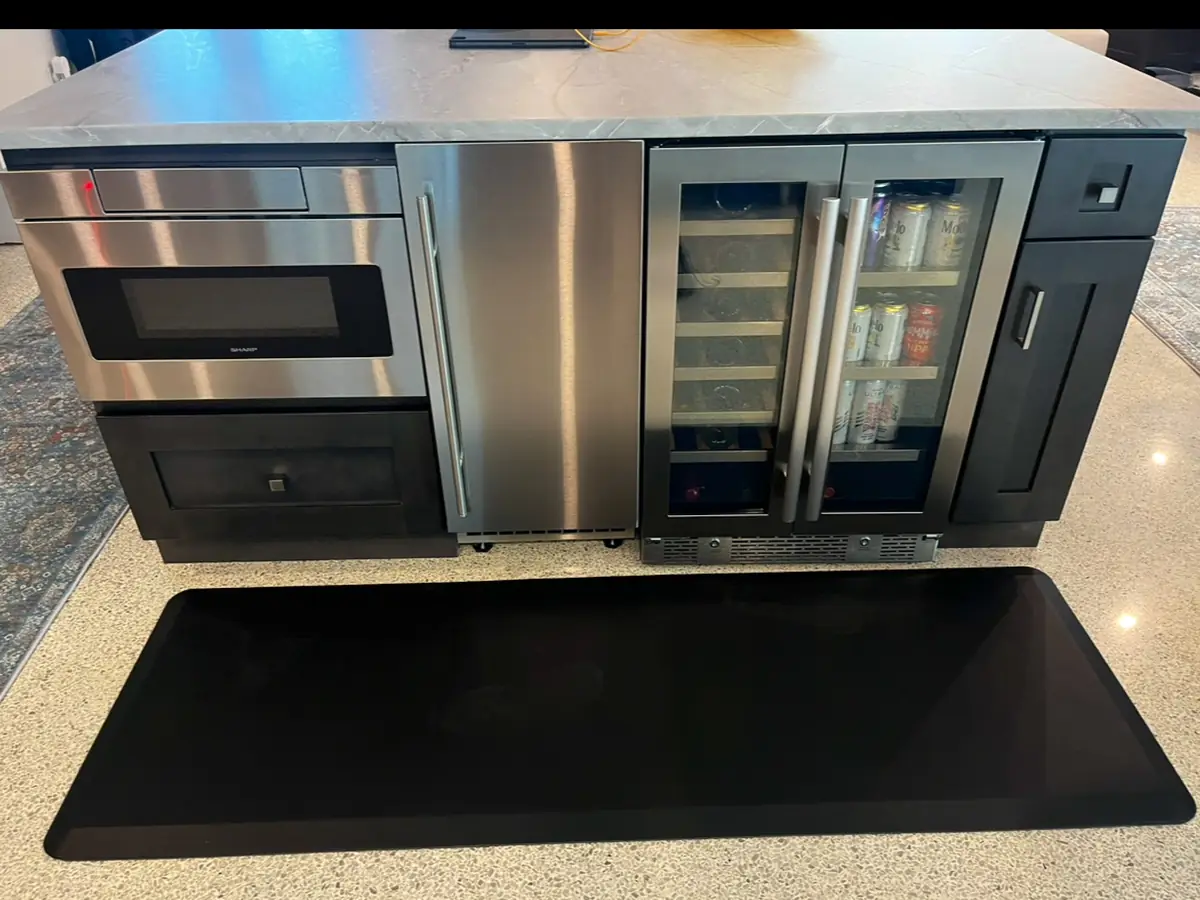
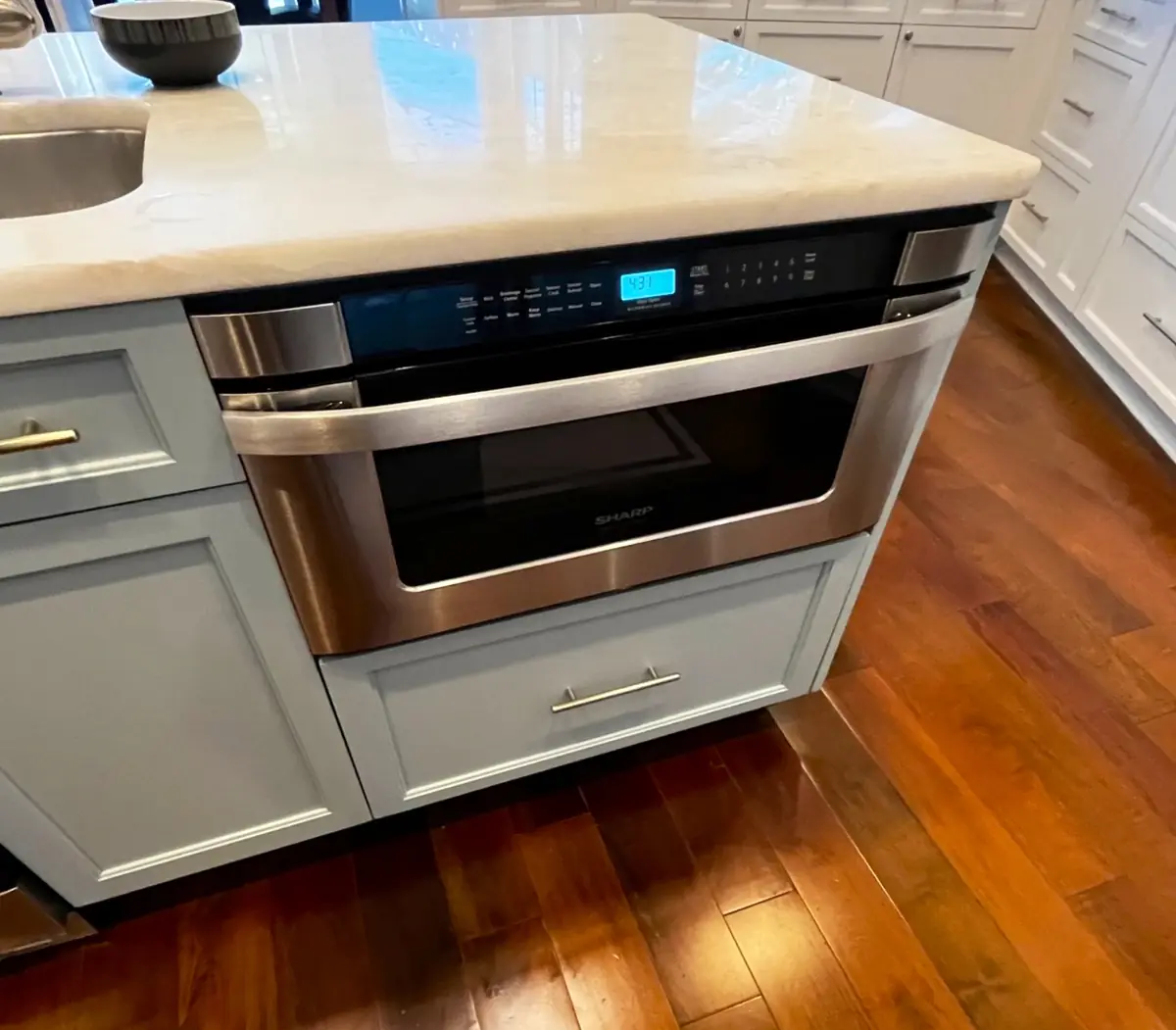
- Microwave drawers: Installed below the counter or in an island, these open with a touch or a push and slide out so you look down into the cavity. They rely on a motorized drawer mechanism as well as the usual microwave parts.
- Speed ovens: These combine microwave power with convection heat, and on some models a broil element or halogen light, so they can cook faster than an oven while still browning food. They are often installed in a column with a wall oven or steam oven.
We do not service countertop microwaves. If yours is a model that simply sits on the counter, replacing it is usually the practical answer, and we would rather tell you that than send someone out.
How a Microwave Works, and Why the Inside Is Off Limits
A part called the magnetron produces the microwave energy that heats your food. It is powered by a high-voltage transformer, capacitor and diode, and a waveguide carries the energy into the cavity behind a small cover. A set of door interlock switches shuts the magnetron off the moment the door or drawer opens. A turntable motor, a cooling fan, a control board and, on many models, a humidity sensor for sensor cooking round out the system. Speed ovens add a convection element and fan, and drawers add a motor and gear track.
The high-voltage capacitor can hold a dangerous charge even after the power is off. That is why the outer case of a microwave should never be opened by anyone who is not trained to discharge and test it. Everything an owner can safely check is on the outside, and we have listed those checks below.
What Your Microwave's Symptoms Can Tell You
Each symptom below is a clue rather than a verdict.
Microwave Runs but Doesn't Heat
The light comes on, the turntable turns and the timer counts down, yet the food stays cold. That pattern usually points to the high-voltage side: the magnetron, the diode, the capacitor or the transformer. A door switch that is starting to fail can cause it too. These parts need careful testing, so this is a symptom to leave to your technician.
Microwave Won't Turn On or the Display Is Dark
If the breaker is on and the display stays blank, a door interlock switch may have failed and blown an internal fuse, which is a built-in protection. A control board or power supply problem can also leave the unit dead. On over-the-range models, a dark display with working cooktop lights helps narrow it down.
Sparking or Arcing Inside the Microwave
Sparks can come from metal in the cavity, such as a twist tie or a dish with metallic trim. They can also mean a damaged waveguide cover, food buildup on that cover, or chipped interior paint that exposes bare metal. Stop using the microwave until the cause is found, because continued arcing can damage the magnetron.
Microwave Drawer Won't Open or Close
A drawer that stalls, opens partway or will not respond to the touch control can have something blocking its track, a lock mode switched on, or a problem with the drawer motor, gear track, rails or the board that controls them. Please do not force a stuck drawer, since that can strip the gears.
Touch Pad or Buttons Not Responding
Many models have a control lock that ignores the keypad until it is released, so check that first. Beyond that, a worn keypad membrane, moisture behind the panel or a control board problem can cause dead or phantom key presses. A keypad that beeps on its own is worth having checked.
Over-the-Range Vent Fan or Lights Not Working
The vent fan and cooktop lights on an over-the-range microwave have their own motor, switches and bulbs. A fan that hums without spinning, runs on one speed only, or rattles can point to the fan motor, a switch or the control board. Greasy filters can also make the fan sound strained.
Speed Oven Not Browning or Convection Not Heating
If the microwave side works but convection, broil or browning does not, a failed convection element, a stalled convection fan, a bad temperature probe or a relay on the control board could be the reason. A speed oven that runs too hot or shuts down mid-cycle can point to a cooling fan or a sensor.
Turntable Not Turning
A turntable that sits still is usually a worn turntable motor, a broken coupler, or a roller ring that has slipped out of place.
Loud Humming, Buzzing or Grinding
Some hum is normal. A loud buzz that changes when the microwave starts heating, or a grinding sound from the fan or turntable area, can point to the magnetron, the high-voltage parts or a failing motor.